Florist Google Business Profile optimization
Contents:
- Quick Answer: How to Optimize a Florist Google Business Profile
- Why Google Business Profile Matters for Florists in 2026
- What’s Changed Since 2020?
- GBP vs. Other Listing Platforms
- Step-by-Step: Setting Up & Verifying Your Florist Google Business Profile
- Claim Your Listing
- NAP Consistency
- Choose Accurate Categories
- Keyword-Rich Business Description
- Hours, Services, and Attributes
- Add Products/Services
- Photos & Visuals: Your Secret Florist Advantage
- What Photos Should You Post?
- Video: The 2026 Differentiator
- Reviews: The Trust Factor for Local Florists
- How to Get More (and Better) Reviews
- How to Handle Negative Reviews
- Local SEO Tricks for Florist Google Business Profile
- Use Google Posts Weekly
- Add Service Areas
- Questions & Answers Section
- Use UTM Parameters
- Top Mistakes Florists Make with Google Business Profile
- Advanced GBP Features for US Florists in 2026
- Direct Bookings
- Messaging
- Product Catalogs
- Seasonal Highlighting
- FAQ: Florist Google Business Profiles
- How do I get my florist shop to appear first in Google local pack?
- What if another flower shop claims my business listing?
- Can I show flower prices on Google Business Profile?
- How often should florists update Google Business Profile photos?
- Is Google Business Profile free for florists?
- Ready to See Real Results? Make Your GBP a Daily Habit
Florist Google Business Profile Optimization: How Local Flower Shops Win in 2026
Before anyone even smells your roses, they’ll meet your Google Business Profile. In 2026, nearly 87% of all US consumers check Google before visiting or calling a local florist, according to The National Retail Florist Association. It’s no longer just about beautiful bouquets – it’s about winning digital visibility at the right moment: when someone’s searching for “florist near me,” last-minute birthday flowers, or a sympathy arrangement at 8 p.m. Your Google Business Profile (GBP) is the difference between a customer at your counter and one browsing your competitor’s carnations.
Quick Answer: How to Optimize a Florist Google Business Profile
To optimize your florist’s Google Business Profile in 2026:
- Claim and verify your GBP listing.
- Use your actual business name, address, and phone number (NAP consistency).
- Choose the most relevant categories (e.g., “Florist,” “Flower Delivery”).
- Write a detailed, local-focused business description with keywords.
- Upload high-quality photos of arrangements, shop interior, and staff.
- Update with current hours, services (delivery, curbside, weddings), and holiday specials.
- Respond to all customer reviews – especially negative ones.
- Post weekly updates (offers, events, new arrivals) using Google Posts.
- Add products/services with descriptions and prices.
- Enable messaging and booking features, if available.
- Monitor insights and adjust based on what’s working.
“Think of your GBP as the digital doorway to your flower shop,” says Mia Torres, owner of Brooklyn Blooms and 2019 SAF “Retail Florist of the Year.” “First impressions are made long before someone walks in.”
Why Google Business Profile Matters for Florists in 2026
Consumers searching “florist near me open now” expect instant, photo-rich, accurate results. According to Google, 78% of local mobile searches result in an offline purchase within 24 hours. For florists, this means your GBP is no longer optional; it’s your primary storefront for local shoppers.
What’s Changed Since 2020?
- Voice search (“Hey Google, order birthday flowers”) doubled in three years.
- “Zero-click searches” – where people get answers without leaving Google – are at 62% in local retail (Statista, 2026).
- Google’s “Local Pack” (the map and 3-firm box) gets over 45% of floral search clicks in medium US cities.
GBP vs. Other Listing Platforms
| Platform | Visibility (US, 2026) | Review Impact | Features for Florists |
|---|---|---|---|
| Google Business Profile | 1st | High | Bookings, products, posts |
| Yelp | 2nd | Moderate | Menus, limited bookings |
| Facebook Pages | 3rd | Low | Messenger, events |
Bottom line: If you’re not showing up well on Google, you’re missing nearly half your potential walk-in or call-in traffic.
Step-by-Step: Setting Up & Verifying Your Florist Google Business Profile
1. Claim Your Listing
Search for your exact business name and location; claim any existing listing. Avoid duplicates.
2. NAP Consistency
Everywhere your business is listed – Google, Yelp, FTD, local chamber of commerce – must match exactly:
Name, Address, Phone (NAP). Google penalizes mismatches.
3. Choose Accurate Categories
- Primary: “Florist”
- Secondary: “Flower Delivery,” “Wedding Service,” “Gift Shop” (as applicable)
4. Keyword-Rich Business Description
Don’t just say “best florist Philadelphia.” Mention specialties (“same-day flower delivery,” “custom wedding bouquets,” “sympathy arrangements in Bucks County”), local landmarks, and popular events (like “Mother’s Day peony sale 2026”).
“Keywords must sound natural – and honor what customers actually type,” notes Jamie Choi, SEO advisor for PetalPushers Atlanta.
5. Hours, Services, and Attributes
Update for:
- Holidays and extended hours
- Delivery cut-offs
- Accessibility (“wheelchair accessible”)
- Payment methods (Apple Pay, contactless, cash)
- In-store/curbside pickup options
6. Add Products/Services
List your bestsellers – tulip bouquets, prom corsages, funeral sprays – with photos and prices (if possible). Google’s product features now allow for clickable shopping right from your profile.
Photos & Visuals: Your Secret Florist Advantage
In 2026, florists with 100+ high-res photos see 53% more profile actions (calls, website visits) than those with under 20, per Google’s Local Insights.
What Photos Should You Post?
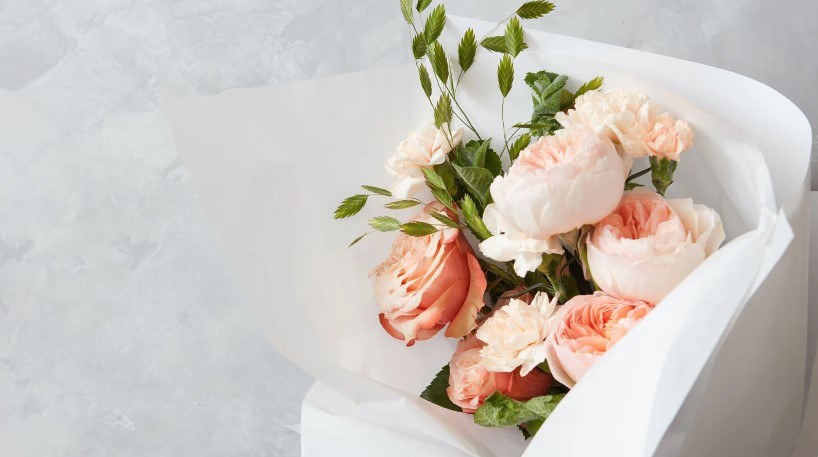
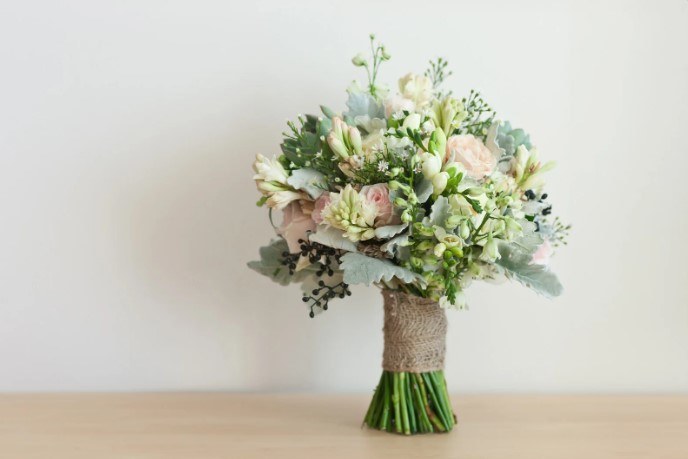
- Arrangements: Showcase range (hand-tied, baskets, exotic, classic)
- Shop Exterior/Interior: Help customers recognize your storefront
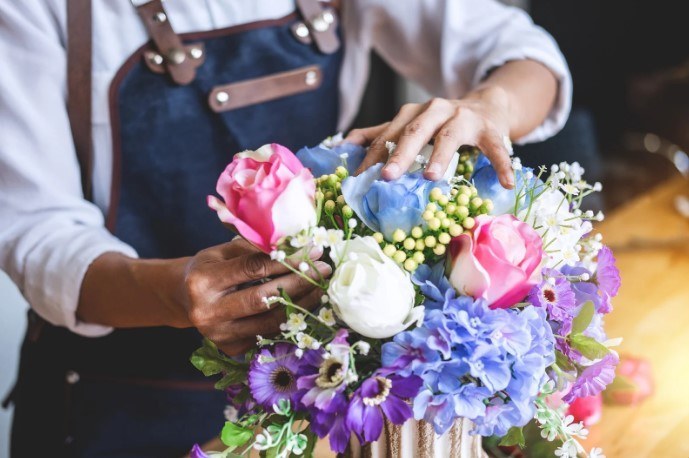
- Behind-the-Scenes: Staff at work, prepping for Valentine’s, delivery vans
- Seasonal Specials: Mother’s Day, weddings, holiday decor
- Events: Workshops, local partnerships, community giving
Upload at least five new photos monthly. Caption each for local SEO (“Anniversary roses ready for delivery in Oak Park, IL”).
Video: The 2026 Differentiator
Short, vertical videos of bouquet-making or shop walkthroughs perform well on GBP and can double engagement, especially for shops competing with larger online aggregators like 1-800-Flowers.
Reviews: The Trust Factor for Local Florists
A single half-star can mean a 32% drop in calls, according to a 2025 BrightLocal report. Customers trust Google reviews even more than Yelp or Facebook in the floral industry.
How to Get More (and Better) Reviews
- Ask Every Customer: Hand out a QR code card or add a review link to receipts.
- Follow Up: After delivery, send a short thank-you email with the review request.
- Reply – Always: Respond to both praise and complaints within 24 hours.
- Feature Responses: Point out what you’re doing to address real concerns.
“We train every delivery driver to leave a review card – it’s old-school, but it works,” explains Carla Nguyen, owner of Wildflower Alley Denver.
How to Handle Negative Reviews
- Remain polite and brief.
- Address the issue (“Sorry we missed your delivery window – we’re upgrading our tracking system for Mother’s Day 2026”).
- Offer to resolve privately, but never ignore a comment.
Local SEO Tricks for Florist Google Business Profile
Beyond the basics, small tweaks can rocket your profile up local search rankings – even against bigger chains.
Use Google Posts Weekly
Announce:
- Flash sales (“20% off lilies for Administrative Professionals Day 2026”)
- Workshops (“Succulent bar every Saturday in June”)
- Holiday hours
- New flower arrivals
Google Posts show up in search and can prompt direct calls or visits.
Add Service Areas
List cities, zip codes, or neighborhoods you deliver to – within Google’s dashboard. This helps you appear for “flower delivery [suburb name]” searches.
Questions & Answers Section
Fill this out yourself with FAQs (“Do you do same-day delivery in Englewood?”), then encourage staff and loyal customers to add and upvote questions, too.
Use UTM Parameters
For marketers: Attach tracking links to your GBP website button, so you can measure exactly how much traffic/sales come from Google Business vs. social media or paid ads.
Top Mistakes Florists Make with Google Business Profile
- Stale Photos: That Christmas display from 2022? Delete it.
- Ignoring Negative Reviews: One unanswered rant can tank your ratings.
- Inconsistent Hours: Google hates businesses marked “open” that aren’t.
- Wrong Categories: Don’t list as “Gift Shop” if 90% of your revenue is flowers.
- Not Using Posts or Products: Free, visible real estate left blank.
“Florists who treat their GBP as a living, breathing extension of their shop end up with more foot traffic – and happier customers,” says Leroy Kim, author of Local SEO for Flower Shops (2025).
Advanced GBP Features for US Florists in 2026
Direct Bookings
Some regions now offer bookings for consultations, wedding appointments, or flower workshops right from your GBP. Integrate with platforms like Square Appointments or Acuity.
Messaging
Many consumers expect instant replies; Google’s Business Messages feature lets you answer quotes or delivery questions in real time via the dashboard or mobile app.
Product Catalogs
Google’s product module supports up to 1,000 SKUs. List “Summer Peony Bunch – $55, Delivery in Charlotte” with photos, or “Custom Sympathy Spray – from $125.”
Seasonal Highlighting
New in 2026: Google auto-suggests boosting posts for holidays like Valentine’s, Thanksgiving, or graduation season.
FAQ: Florist Google Business Profiles
How do I get my florist shop to appear first in Google local pack?
Include accurate NAP details, use “Florist” as your primary category, post quality photos, gather 50+ positive reviews, use keyword-rich descriptions, and update Posts and hours regularly. Engage with all reviews and use your GBP dashboard insights to refine over time.
What if another flower shop claims my business listing?
You can request ownership through Google’s verification process. Provide business documents, photos, and proof of address. If needed, escalate via Google Business Profile support for manual review.
Can I show flower prices on Google Business Profile?
Yes. Use the Products or Services section to list arrangements with prices. Regularly update to reflect current offerings and remove sold-out or seasonal items.
How often should florists update Google Business Profile photos?
Add at least 3-5 new photos monthly, especially before major holidays or events. Update to reflect current shop displays and featured arrangements.
Is Google Business Profile free for florists?
Yes, it’s 100% free. You pay only if you opt into Google Ads (pay-per-click) to promote your listing.
Ready to See Real Results? Make Your GBP a Daily Habit
Open your Google Business Profile dashboard as often as you water your hydrangeas. Weekly posts, fresh photos, and review replies add up. In an age when bouquets are a click away from anywhere, your optimized GBP is how local families, event planners, and last-minute romantics find – and trust – your shop, not a faceless online aggregator. Give your digital storefront as much love as your cooler display, and watch your walk-ins, calls, and deliveries bloom.

Related Posts

Preserved rose dome brands compared
Field to Vase Dinner Tour explained